
Description

Price: ₹999 - ₹269.00
(as of Oct 10, 2025 08:15:11 UTC – Details)
From the manufacturer
Installation Kit/What generally comes in the pack?
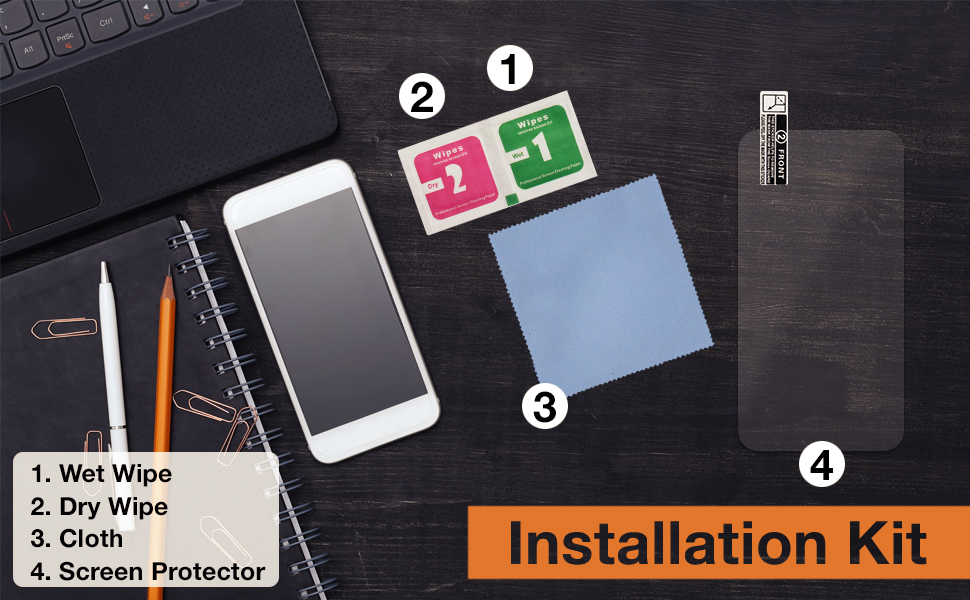

Five Easy Steps to Apply the Screen Protector
Before you get started, make sure to wash your hands and let them dry.
Also, choose a clean space to avoid dust or other particles. You may even switch off your fan, if required.
Remove your phone’s cover or any existing Screen protector.
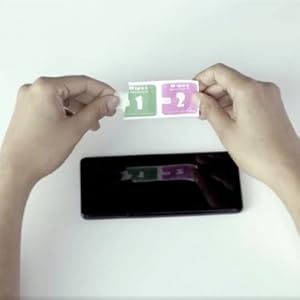
Step 2: CLEAN
Clean the mobile screen of any kind of dust. For this, first clean the screen using the Wet wipe and then the Dry wipe.
This is to ensure that no bubbles come up during application.
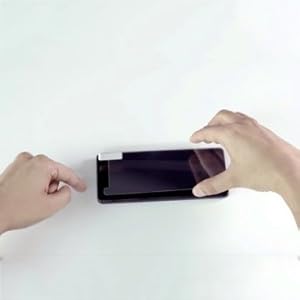
Step 3: ALIGN
Hold the protector from the edges and take care not to touch the sticky side.
Align the device starting with any one reference point, which could be the speaker or the camera lens at the top.
The Home button or The Logo can also be used as reference at the bottom.
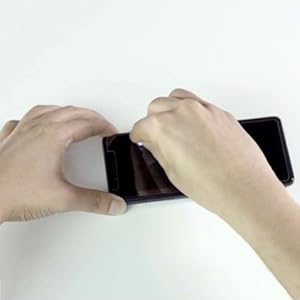
Step 4: DROP
Using the weight of the protector, gently drop the Protector onto the screen
Step 1: PREPARE
Step 2: CLEAN
Step 3: ALIGN
Step 4: DROP
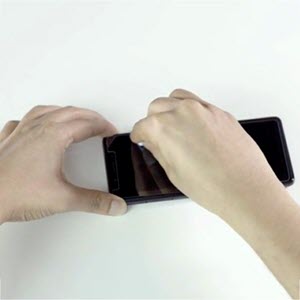
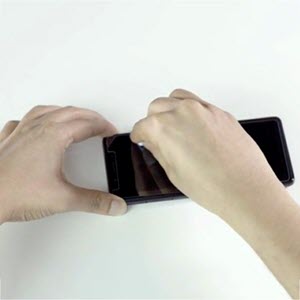
Step 5- PRESS
Press the Protector with a clean cloth to remove any remaining bubbles
What if something went wrong?
What if the Protector isn’t aligned to the screen?
Just remove it quickly from the corner and repeat the application process. Take care
· To hold the protector on the sides.
· Not to hold the protector on the sticky side.
What if there are bubbles on the screen?
Remove the protector and clean the screen again with the wipes, to remove the dust which is causing the bubbles to appear. You may use a tape to remove any dust from the tape as well.
Repeat the application process after cleaning.

✔ SUPERIOR PROTECTION. 9H Hardness with 0.26mm Thickness, this glass cover maintains the touch capabilities of your GPS Navigator/ Infotainment system while ensuring better smooth touch feeling, Anti-Scratch & Anti-explosion.
✔ CRISP AND CLEAR VISUALS. Installing the screen cover will not affect the color, icon size and touch screen capabilities of your GPS display. It will only keep it safe from dust, scratches, oil, water and fingerprints etc.
✔ NO MORE FINGERPRINT SMUDGES. Layered with an oleophobic hydrophobic coating that repels oil left from your fingerprints and adds an additional smoothness to the navigating screen.
✔ LASER CUT SCREEN GUARD FOR PRECISE FIT. No need to trim the edges, as it is compatible with HYUNDAI Venue SX (Diesel) infotainment system.
✔ ENJOY HASSLE-FREE CLEANING. To keep your GPS screen protector clear and dust-free, simply wipe it with a microfiber cloth. No need to use harmful cleaning substances.
Customers say
Customers find the screen protector to be of good quality and easy to install. However, the fit receives mixed feedback – while some say it fits perfectly without bubbles, others report it doesn’t align properly with the bezel area. Moreover, the material quality is criticized for being plastic rather than glass, and the adhesion is poor. Additionally, customers disagree on whether the product is worth the price.


Reviews
There are no reviews yet.