
Description


Price: ₹6,289.00
(as of Nov 09, 2025 00:08:26 UTC – Details)
Product Description
Meet Acrobat AI Assistant.
The video showcases the product in use.The video guides you through product setup.The video compares multiple products.The video shows the product being unpacked. Adobe Acrobat AI Assistant Merchant Video
Sum up docs, get answers, compare info, and generate content.
Named one of TIME’s Best Inventions of 2024!
Adobe Acrobat AI Assistant is the trusted tool to generate one-click summaries, get real-time answers, compare information, and create content from your documents. Sum up documents to find important information fast. Get answers linked to sources from multiple documents and file types. Generate meeting summaries to identify key points and action items. Simplify complicated contracts into straightforward explanations or turn complex data tables into clear takeaways.

The video showcases the product in use.The video guides you through product setup.The video compares multiple products.The video shows the product being unpacked. Unlock Peak Productivity Merchant Video
AI ASSISTANT
Unlock peak productivity.
Ask questions to get quick answers linked to sources you can trust. Then use the responses to create powerful content faster — like emails, texts, social posts, and more. Plus, easily work on the go with voice chat in Adobe Acrobat mobile apps.
INSIGHTS ACROSS DOCS
Get speedy answers from various files.
Chat with multiple documents and transcripts all at once so you can find key themes and takeaways — without switching tabs. Check back as we add AI Assistant capabilities for new file types.
The video showcases the product in use.The video guides you through product setup.The video compares multiple products.The video shows the product being unpacked. Insights Across Docs Merchant Video
More key features in Acrobat AI Assistant. GENERATIVE SUMMARY Sum it up, quick.
Accomplish more in less time. One-click generative summary automatically pulls key points from your contracts and docs to help you find important info fast. Available on desktop and web.
The video showcases the product in use.The video guides you through product setup.The video compares multiple products.The video shows the product being unpacked. AI Assistant: Generative Summary Merchant Video
Chat with your docs. Hear answers on the go.
Voice chat with AI Assistant from your mobile device and listen to answers on the go.
 Complex contracts. Made simple.
Manage contracts with confidence. Turn complicated language into easy explanations anyone can understand.
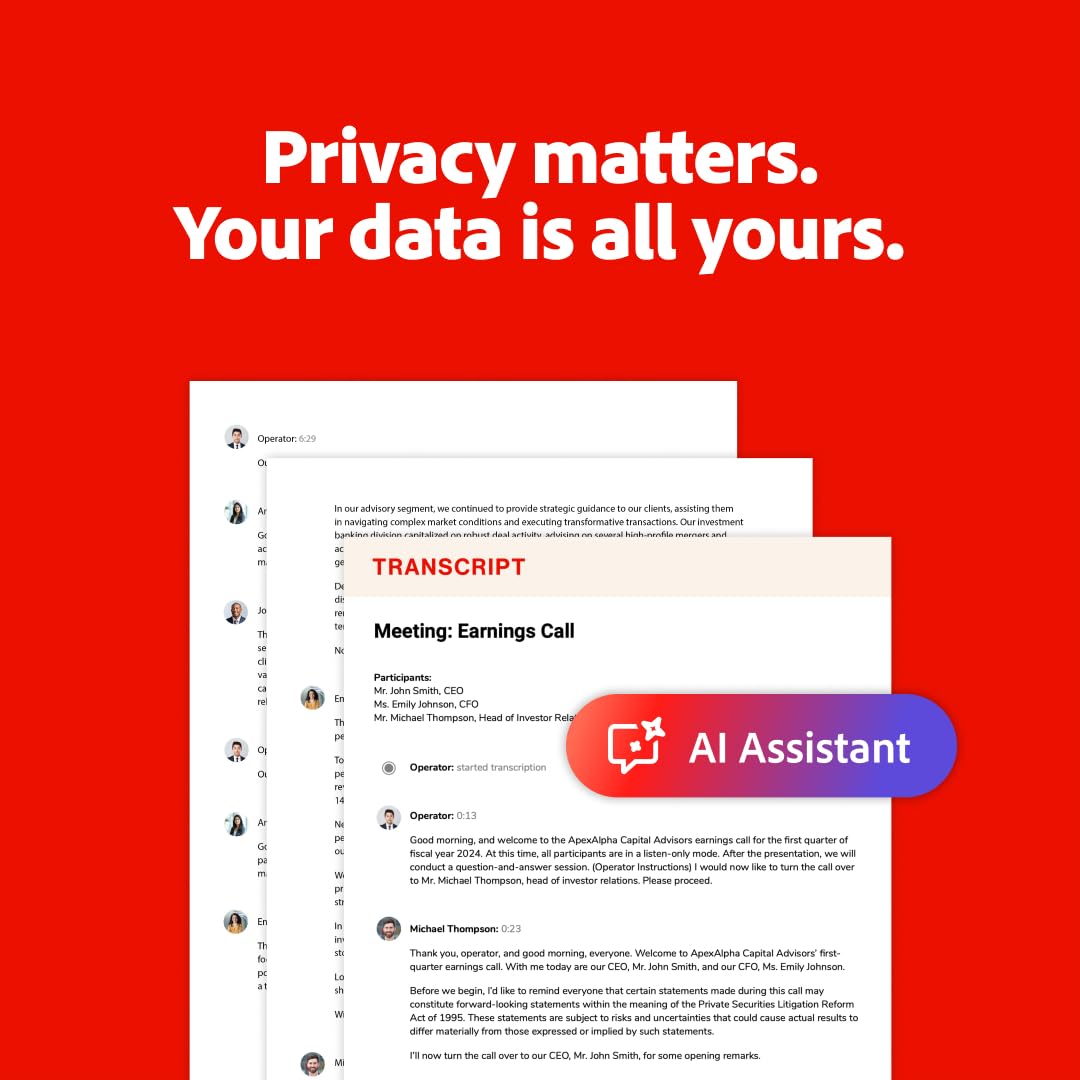
 Privacy matters. Your data is all yours.
With AI Assistant, your documents are protected, and your content is not used to train generative AI models.
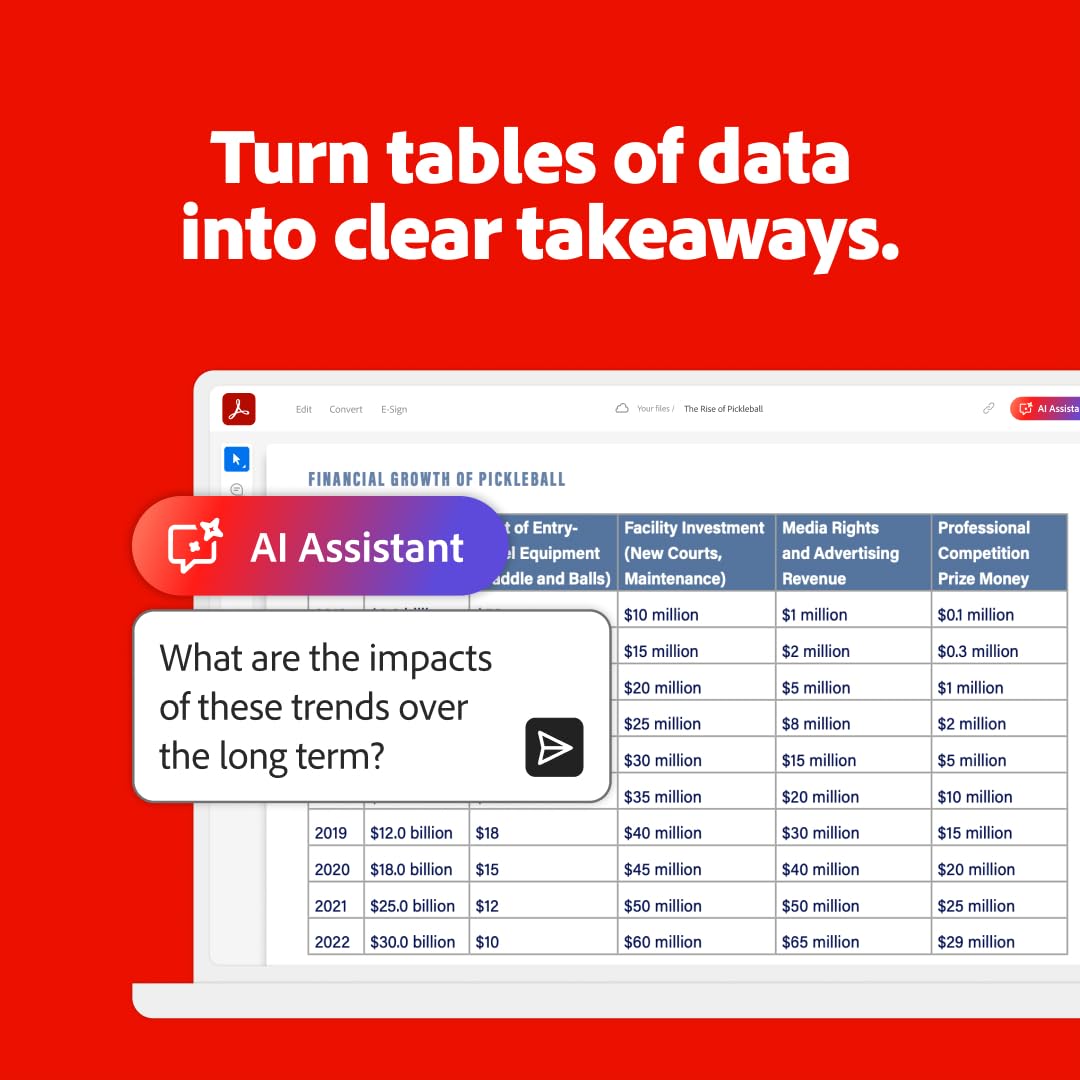
 Turn tables of data into clear takeaways.
Ask AI Assistant to turn complex data tables into clear takeaways — or solve math equations and show the work.

 Get meeting recaps and get going.
Recap your meeting with a quick summary. Pull key points and action items so you can get right to work.

Acrobat Pro delivers everything you need to edit, convert, sign, and secure PDFs, and with AI-powered summaries and instant data extraction in AI Assistant you’ll never waste time sifting through documents again. With this complete solution, you can work smarter and faster, anywhere you go.
How does AI Assistant in Acrobat work?
Users can ask questions in a single document or across multiple documents, including non-PDF file types, and receive easy-to-understand answers with attribution.
What are some uses for AI Assistant?
AI Assistant can help users accelerate document comprehension (across single or multiple documents) and transform their productivity. Summarize crucial concepts and themes from the document. Get one-click summaries with generative summary.
How can customers access AI Assistant in Acrobat?
Acrobat Individual customers can access these features in Reader desktop and the Adobe Acrobat desktop application on both Windows and macOS, on the Acrobat web application, and on Acrobat mobile applications (iOS and Android).
Will customers have to pay to use AI Assistant in Acrobat?
Yes, a separate add-on plan for full access is available to new and existing Acrobat customers. Acrobat customers do not need to have an existing Acrobat Pro or Acrobat Standard plan to purchase.
Which languages are supported?
Currently, AI Assistant in Acrobat supports PDFs and documents in English, French, German, Italian, Spanish, and Portuguese with plans to add additional languages in future releases.
Adobe Acrobat AI Assistant: Named one of TIME’s Best Inventions of 2024- Unlock PDF information instantly by simply asking.
AI Assistant: Ask questions to get quick answers linked to sources you can trust.
Generative Summary: One-click generative summary automatically pulls key points from your doc to help you find important info fast.
Insights across docs: Chat with multiple documents and transcripts all at once so you can find key themes and takeaways – without switching tabs.
Data Privacy: when you use AI Assistant, your documents are protected – and your content is not used to train generative AI models.


Reviews
There are no reviews yet.